Corinth App
Screenshots & Renders
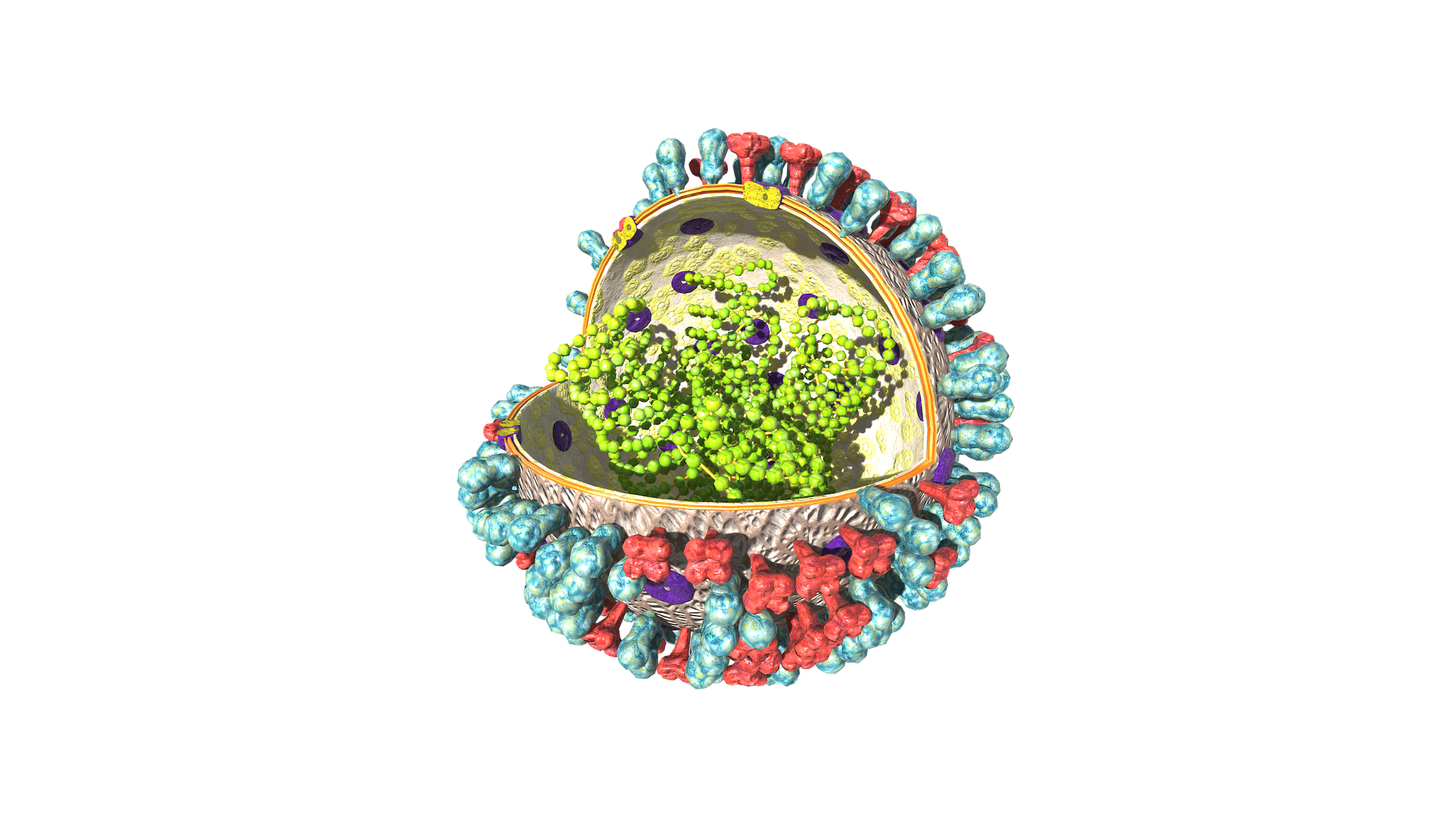
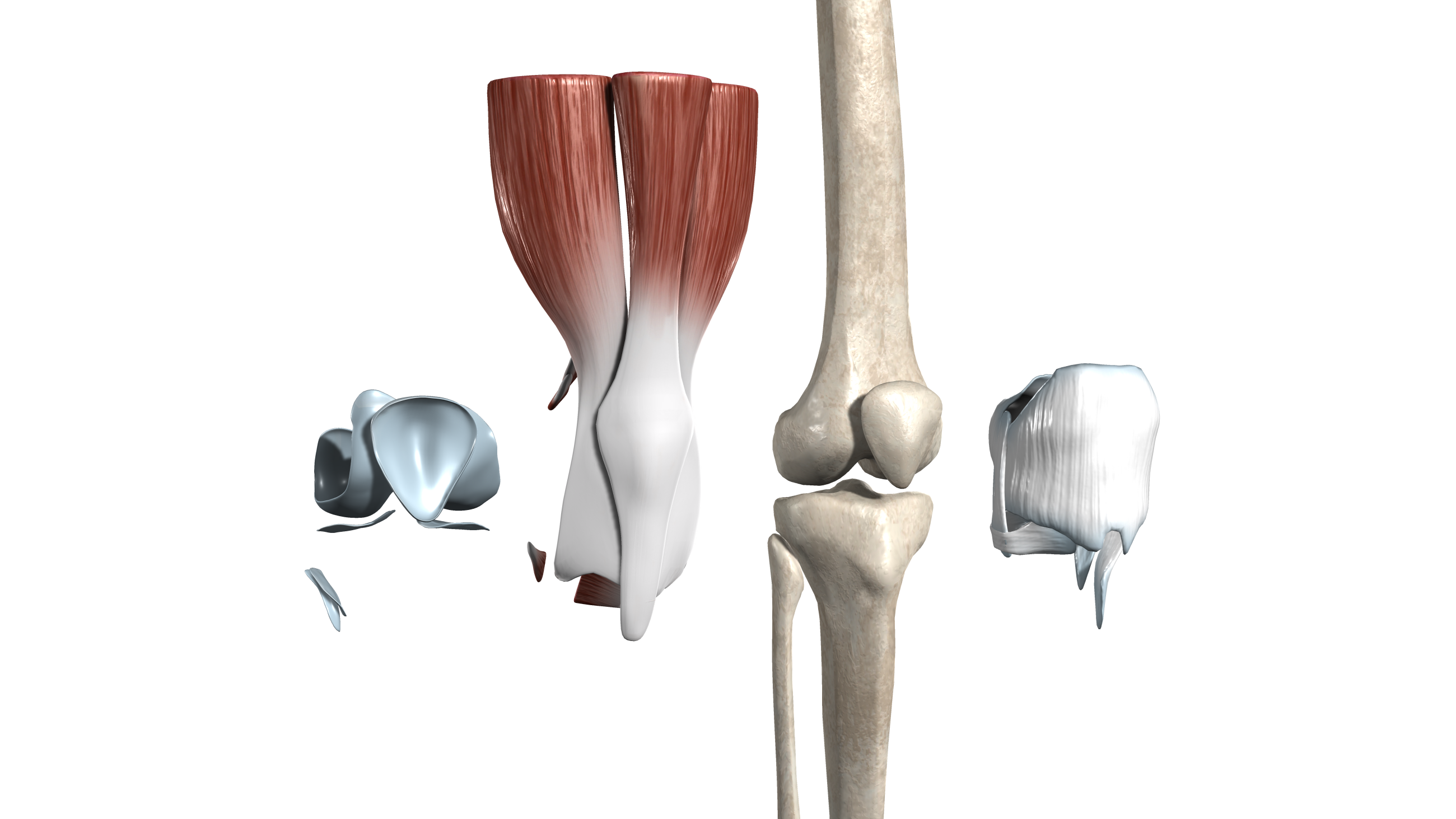
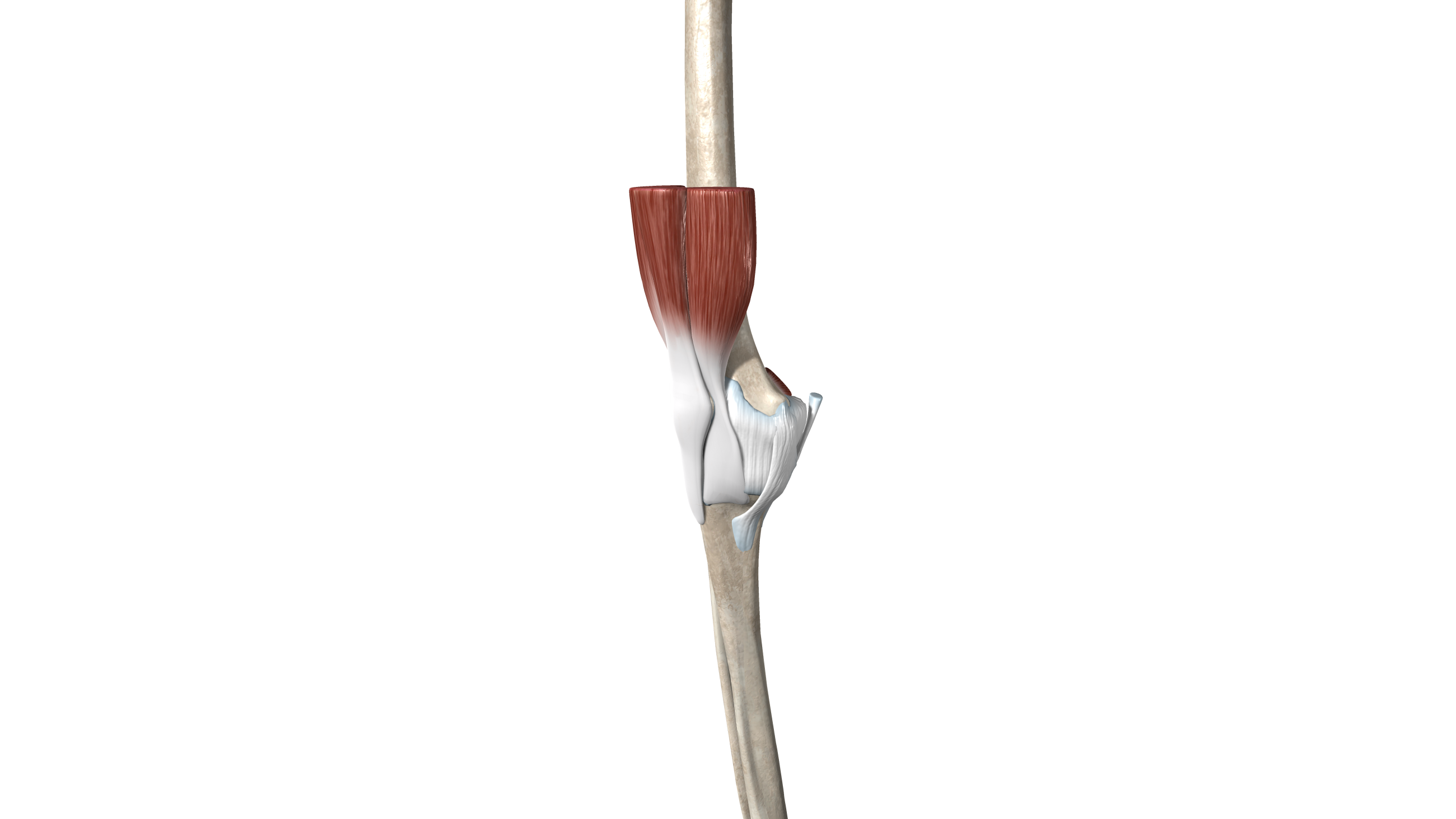
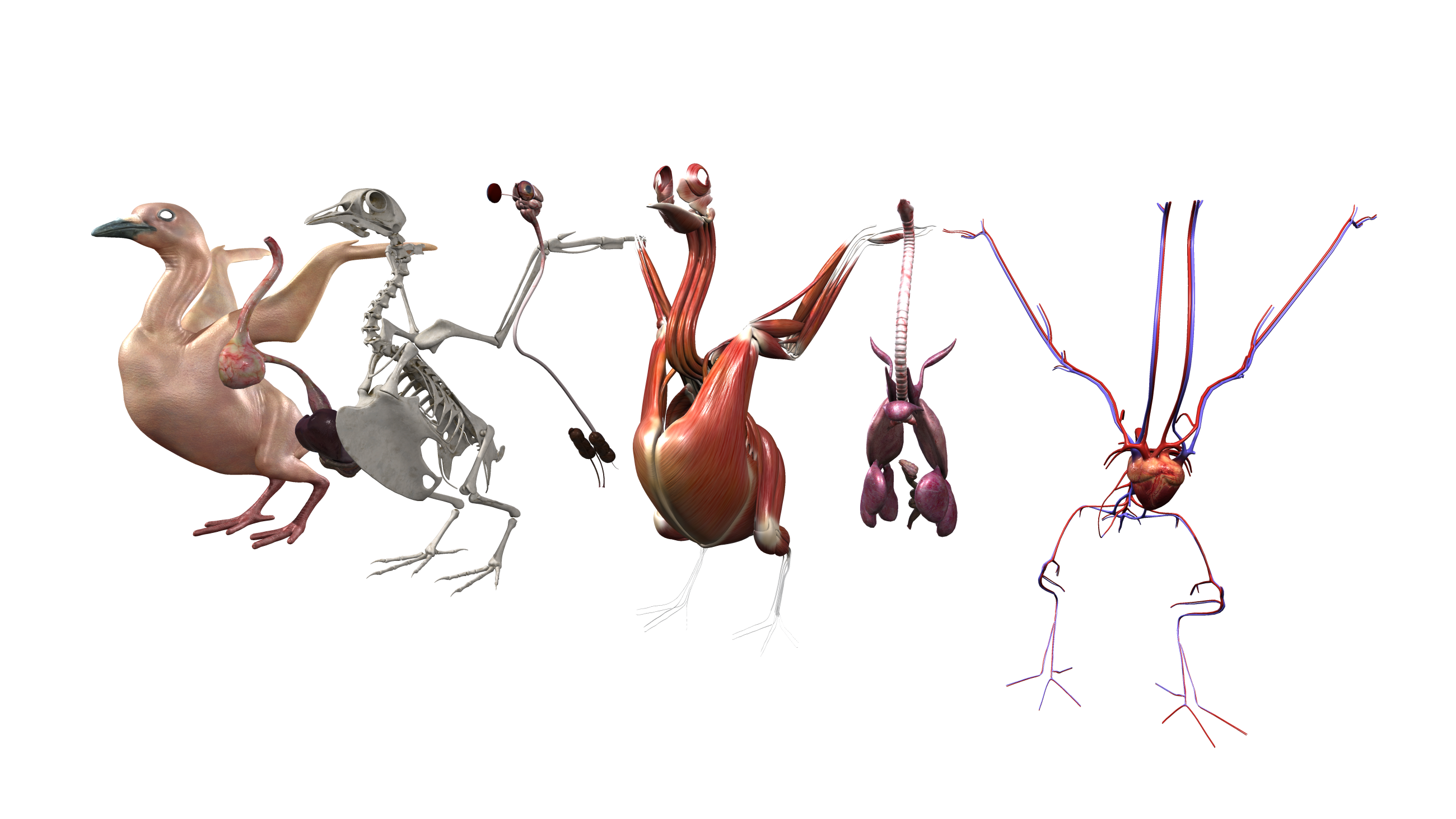
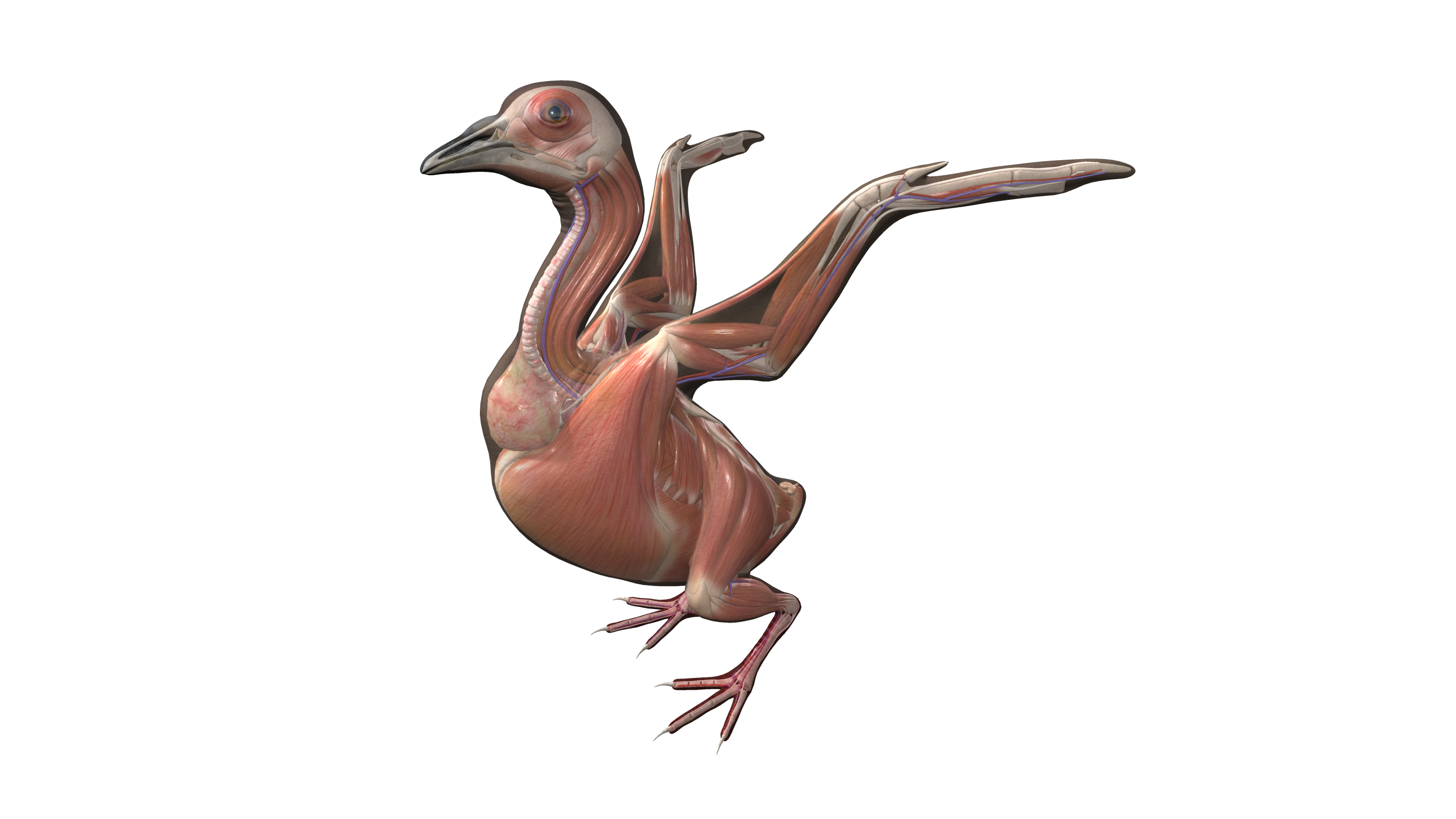
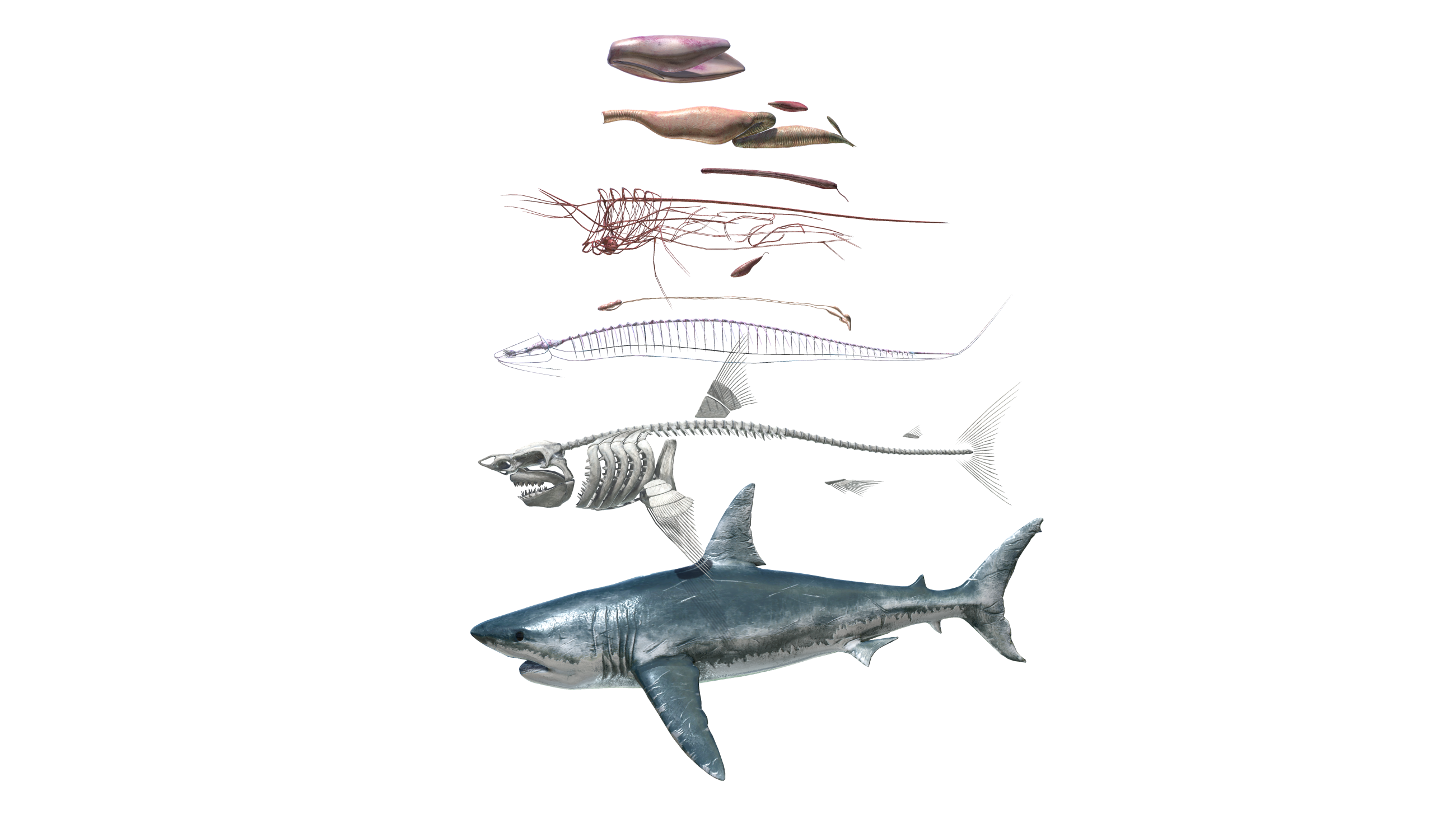
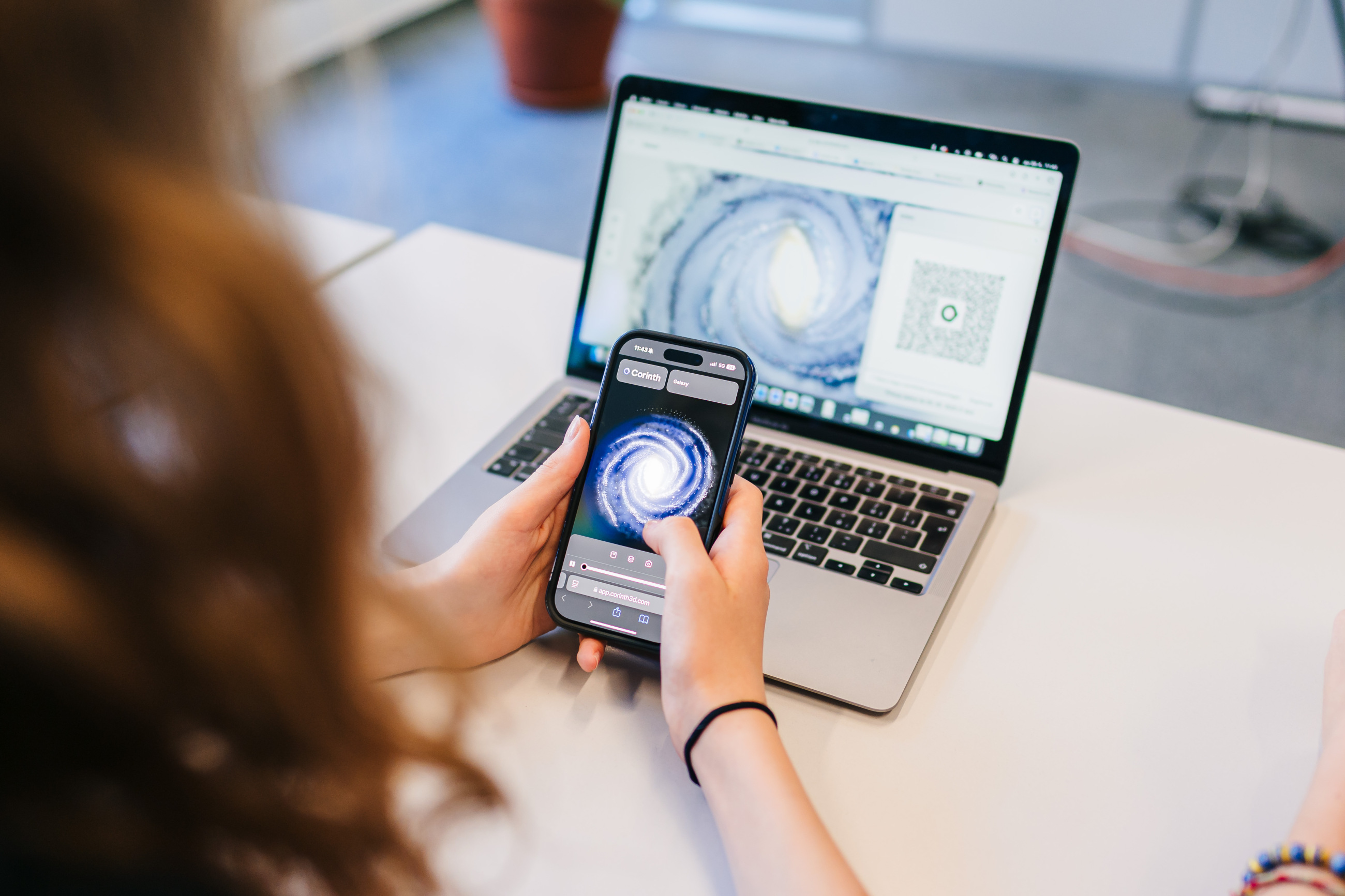
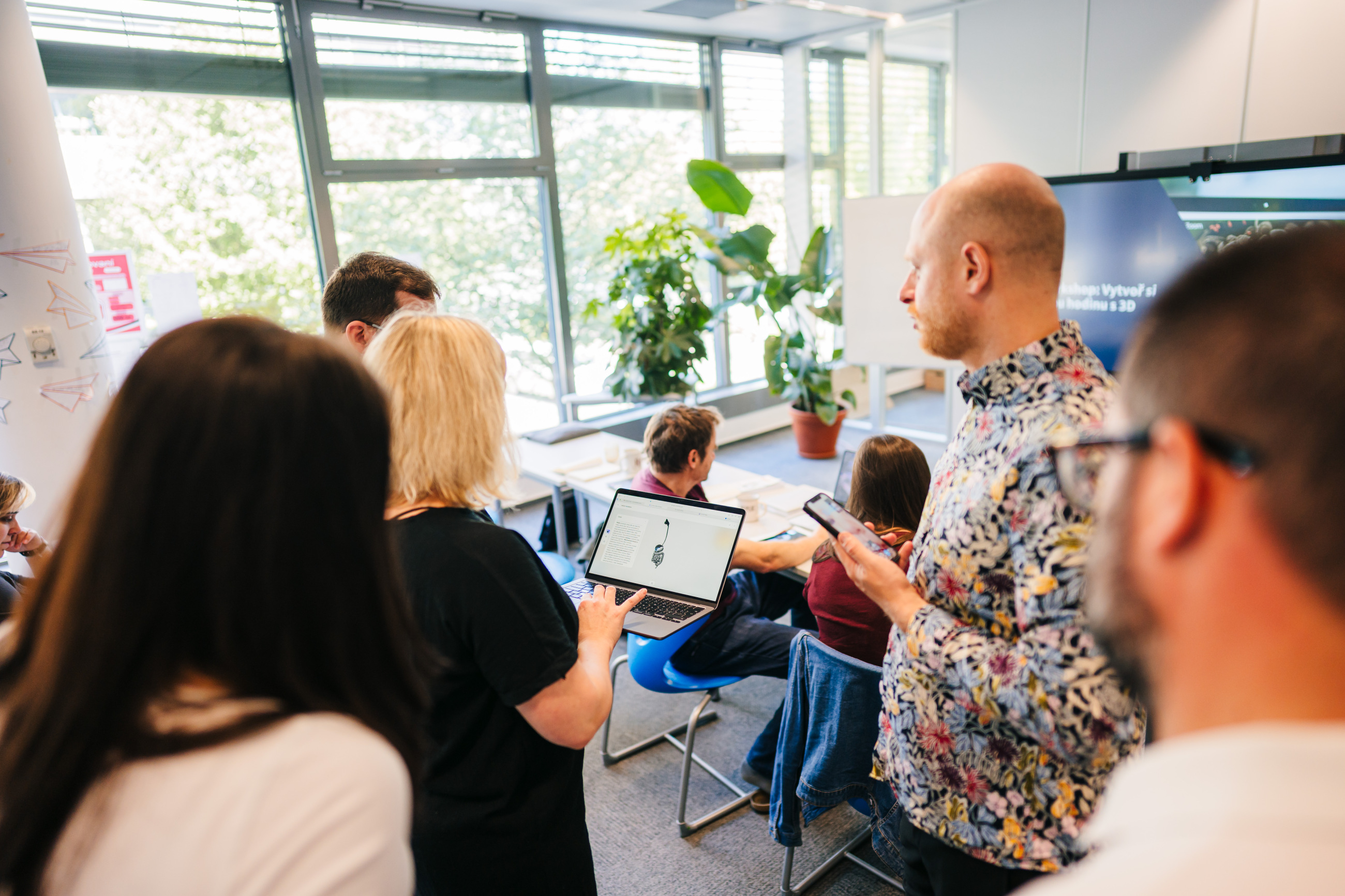
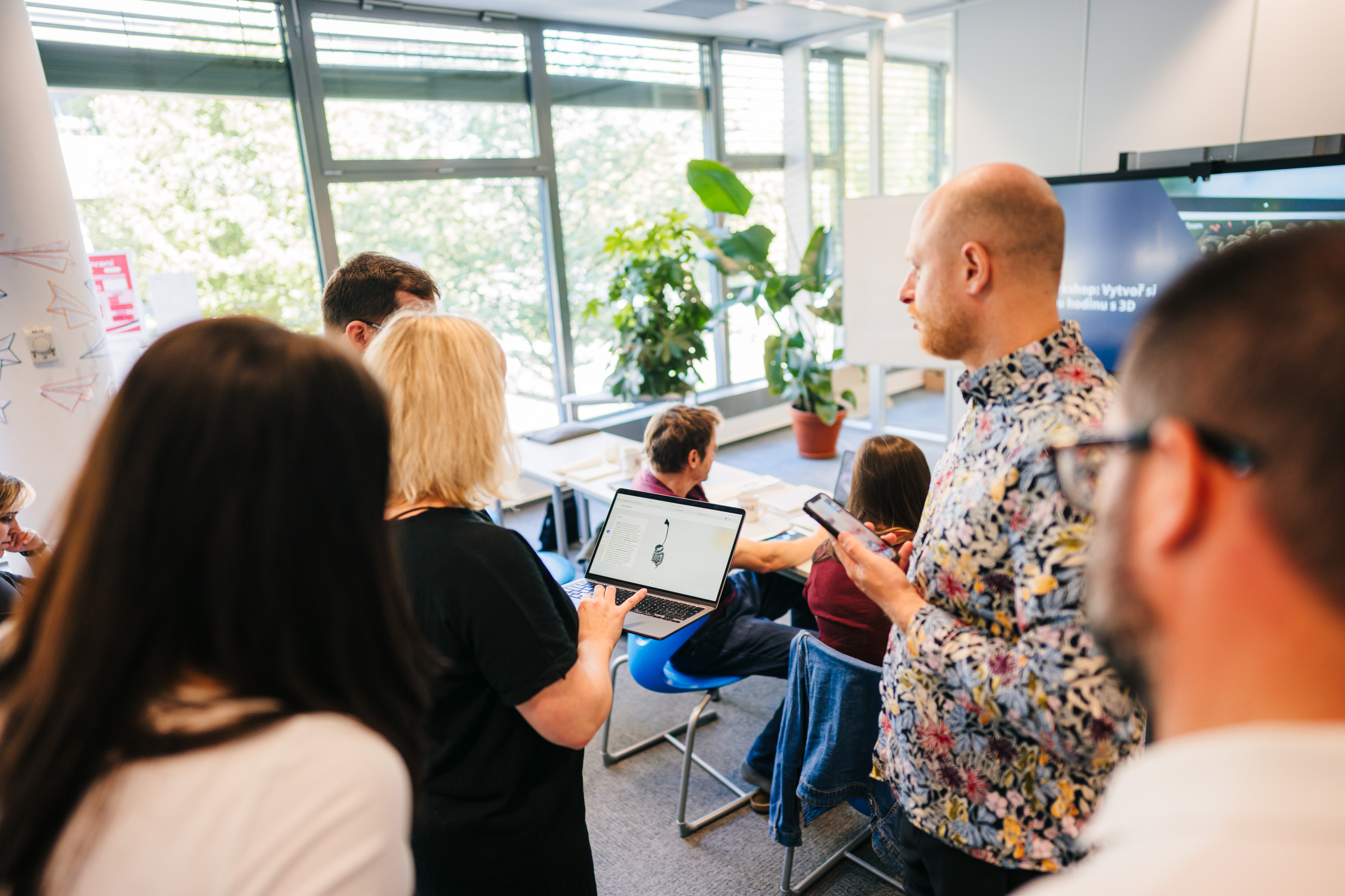
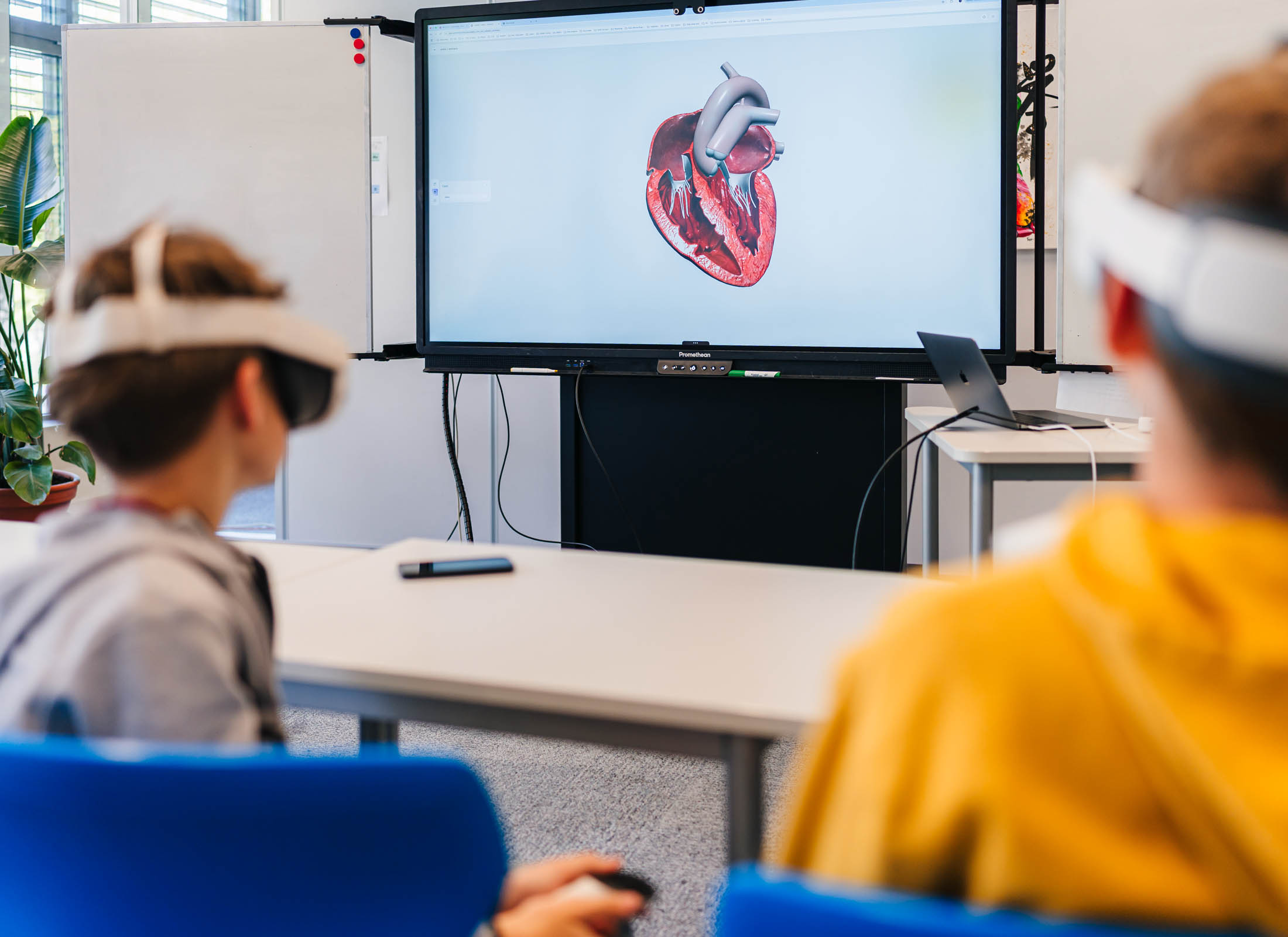
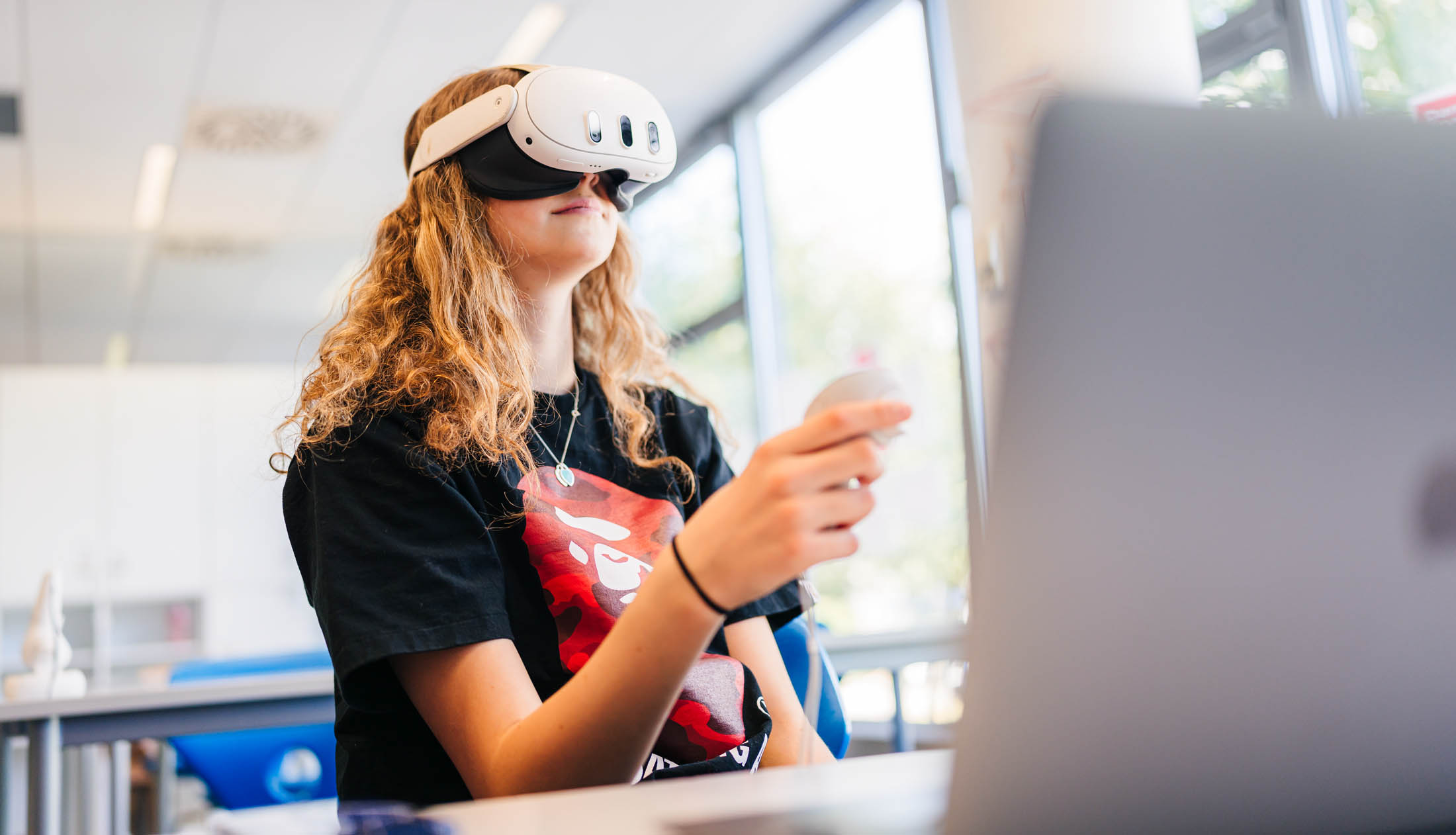
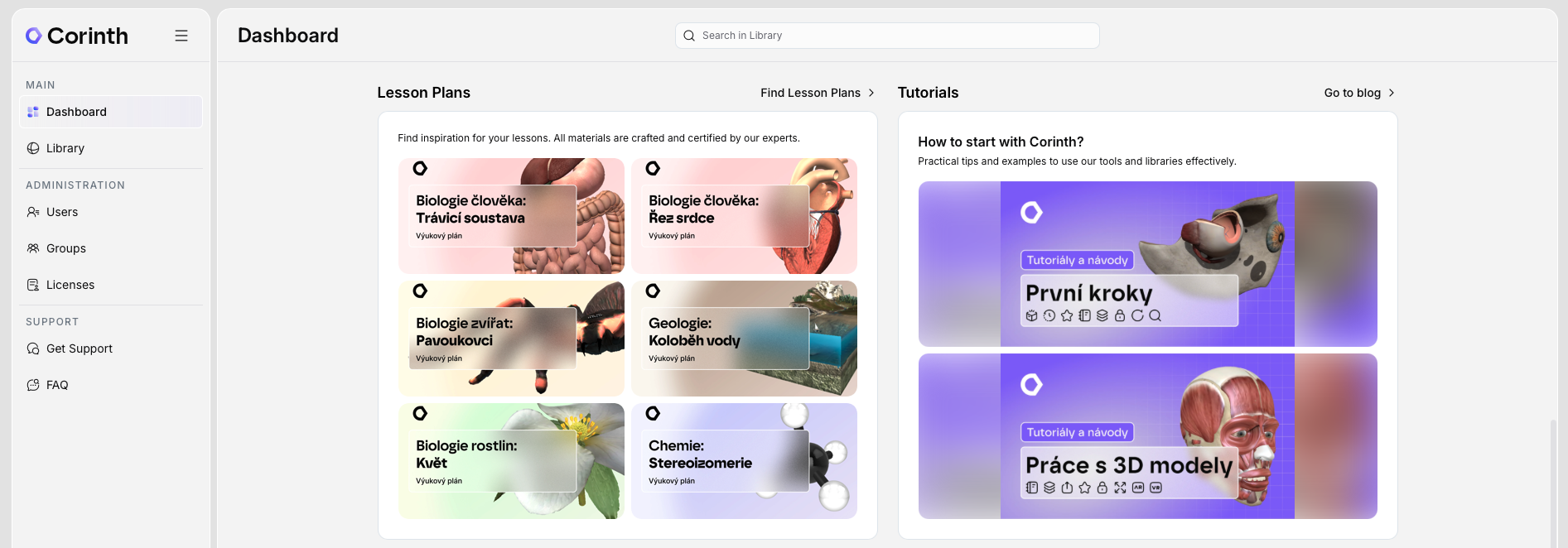
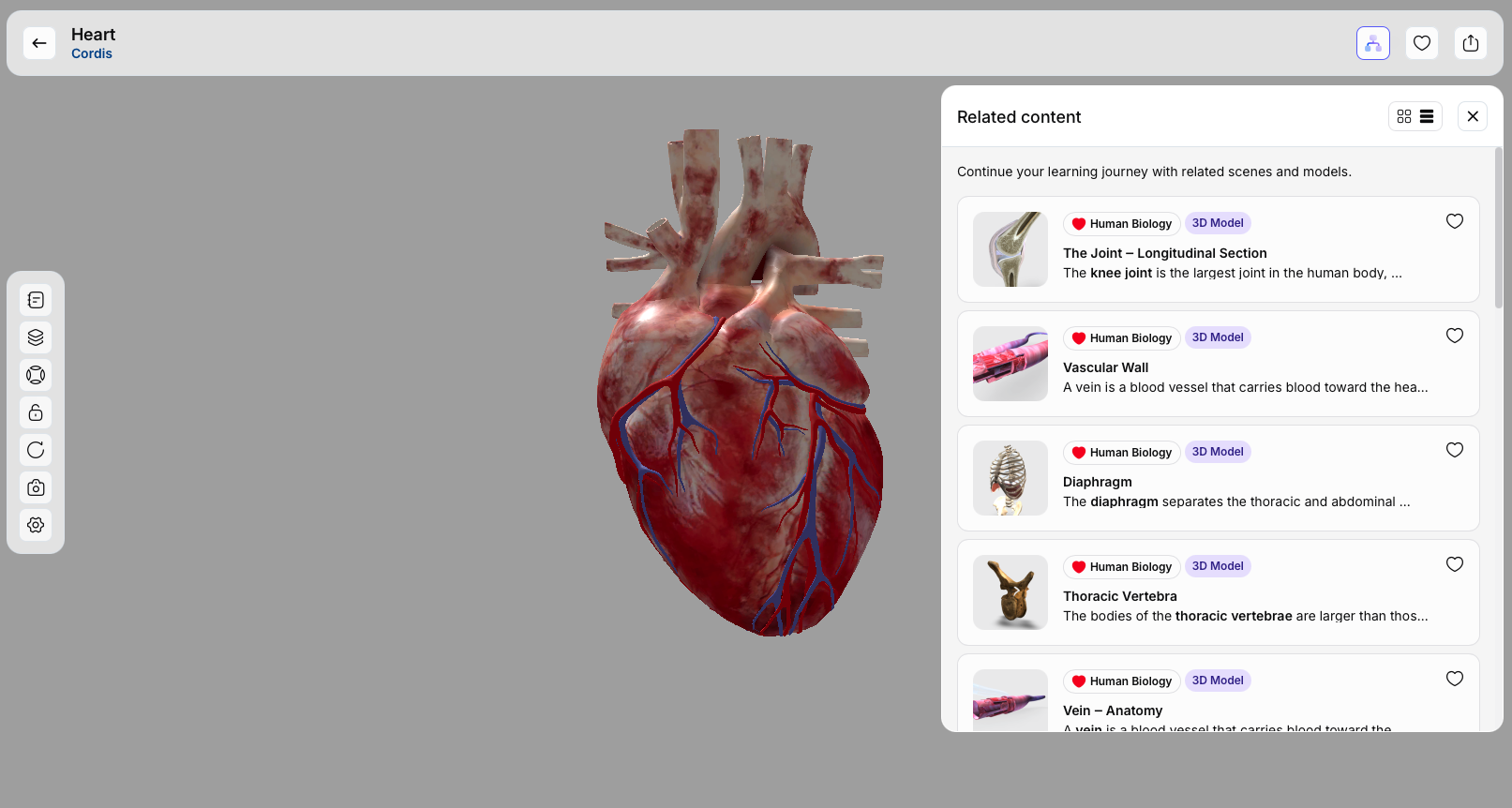
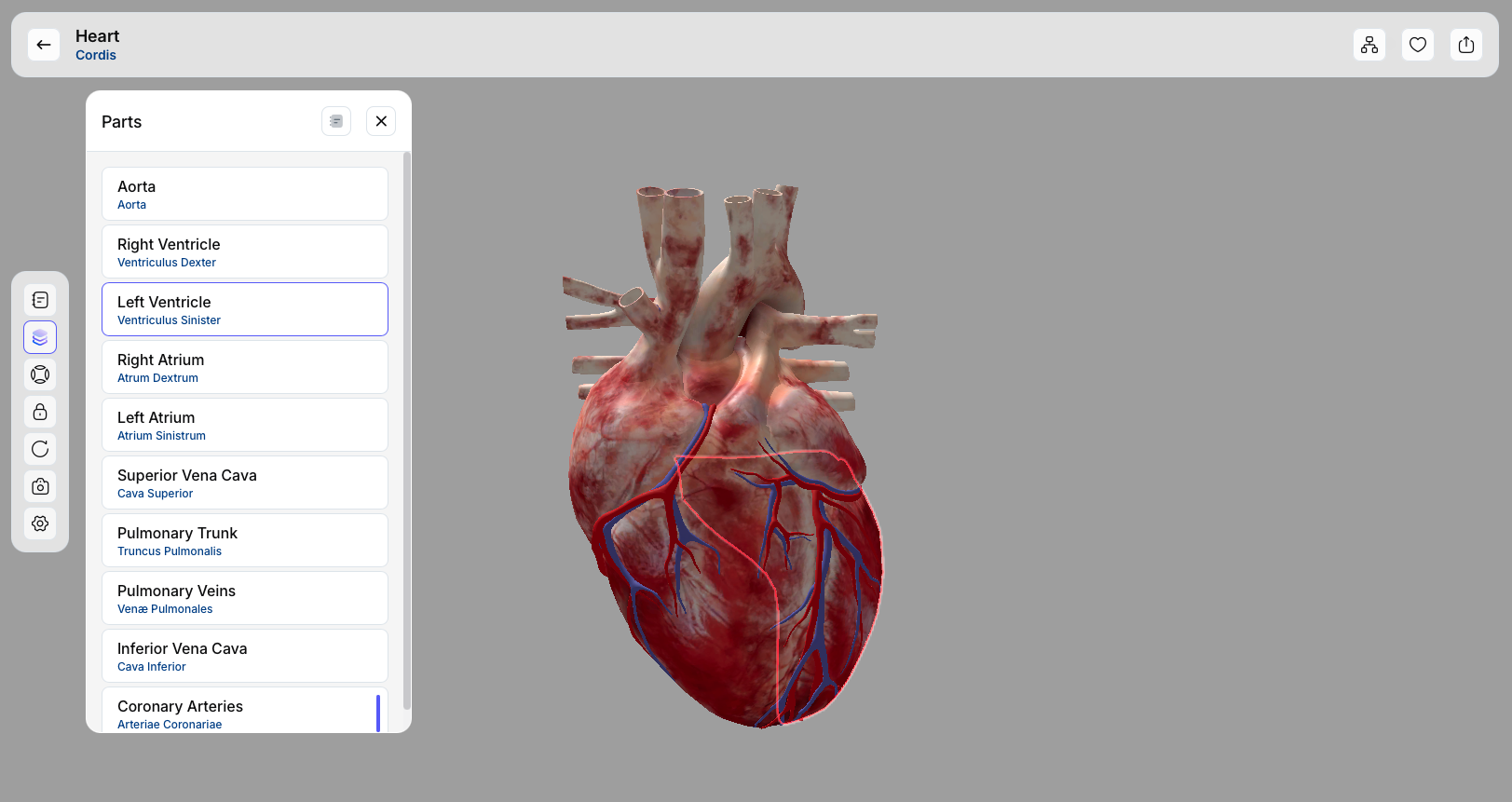
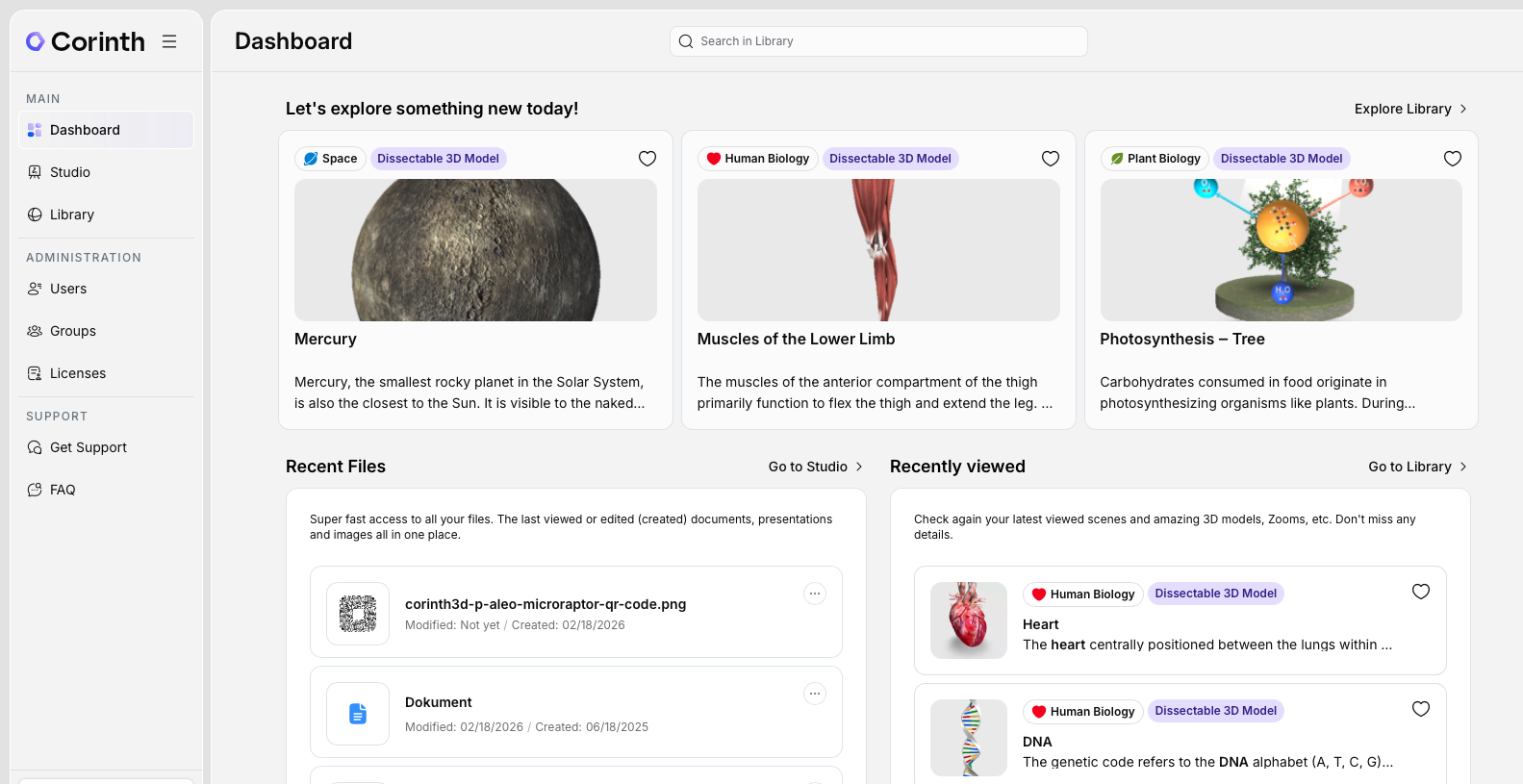
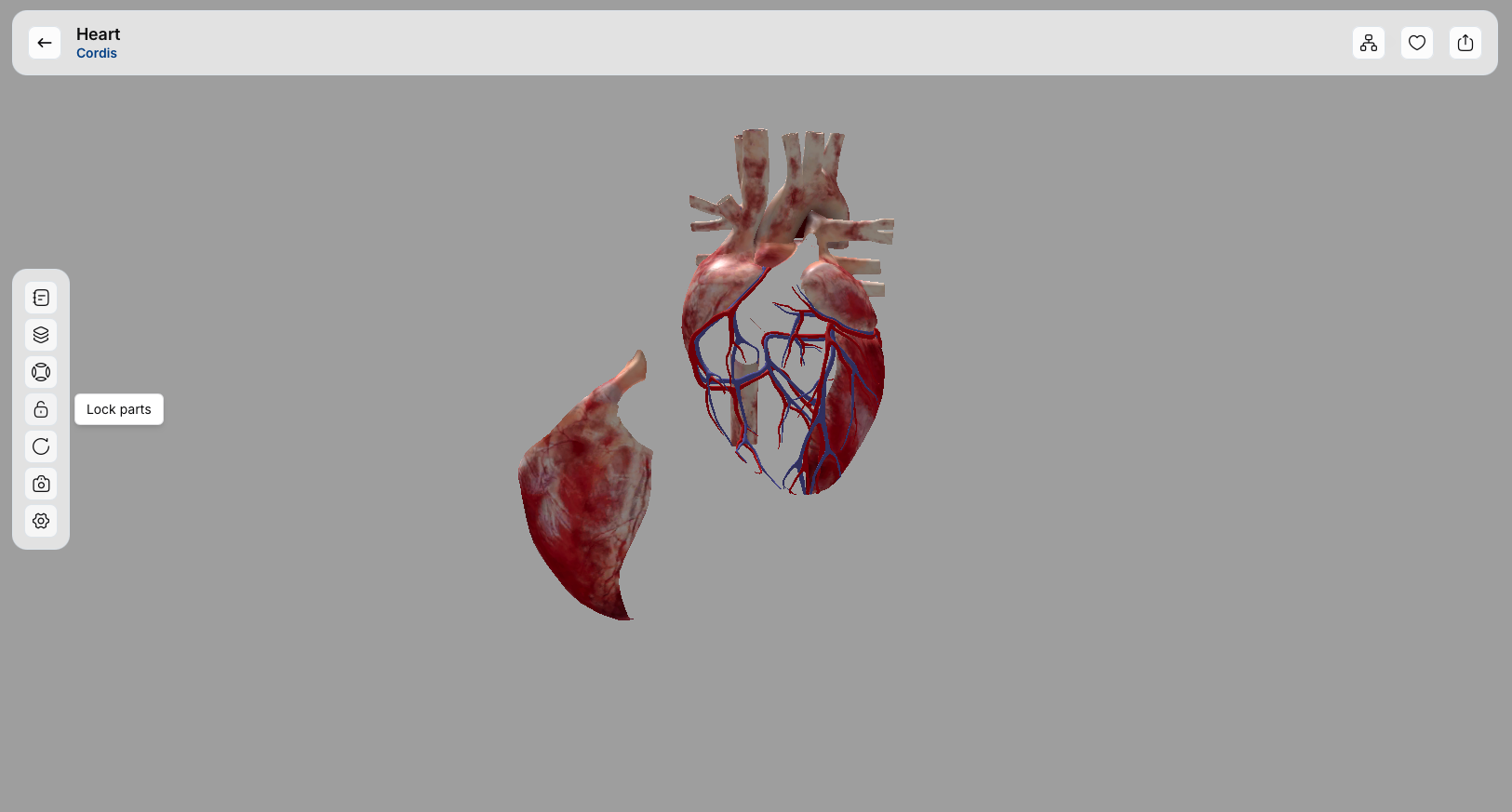
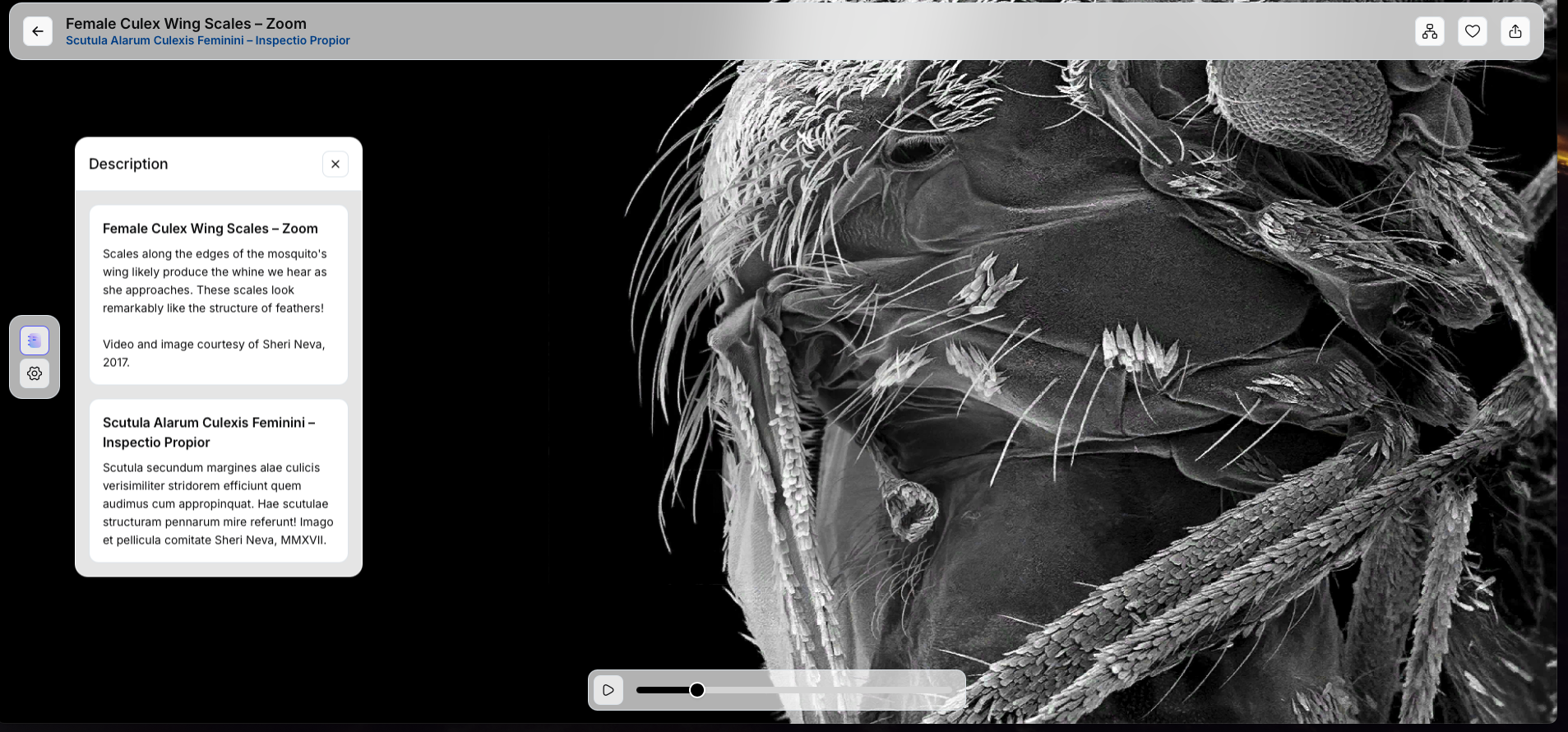
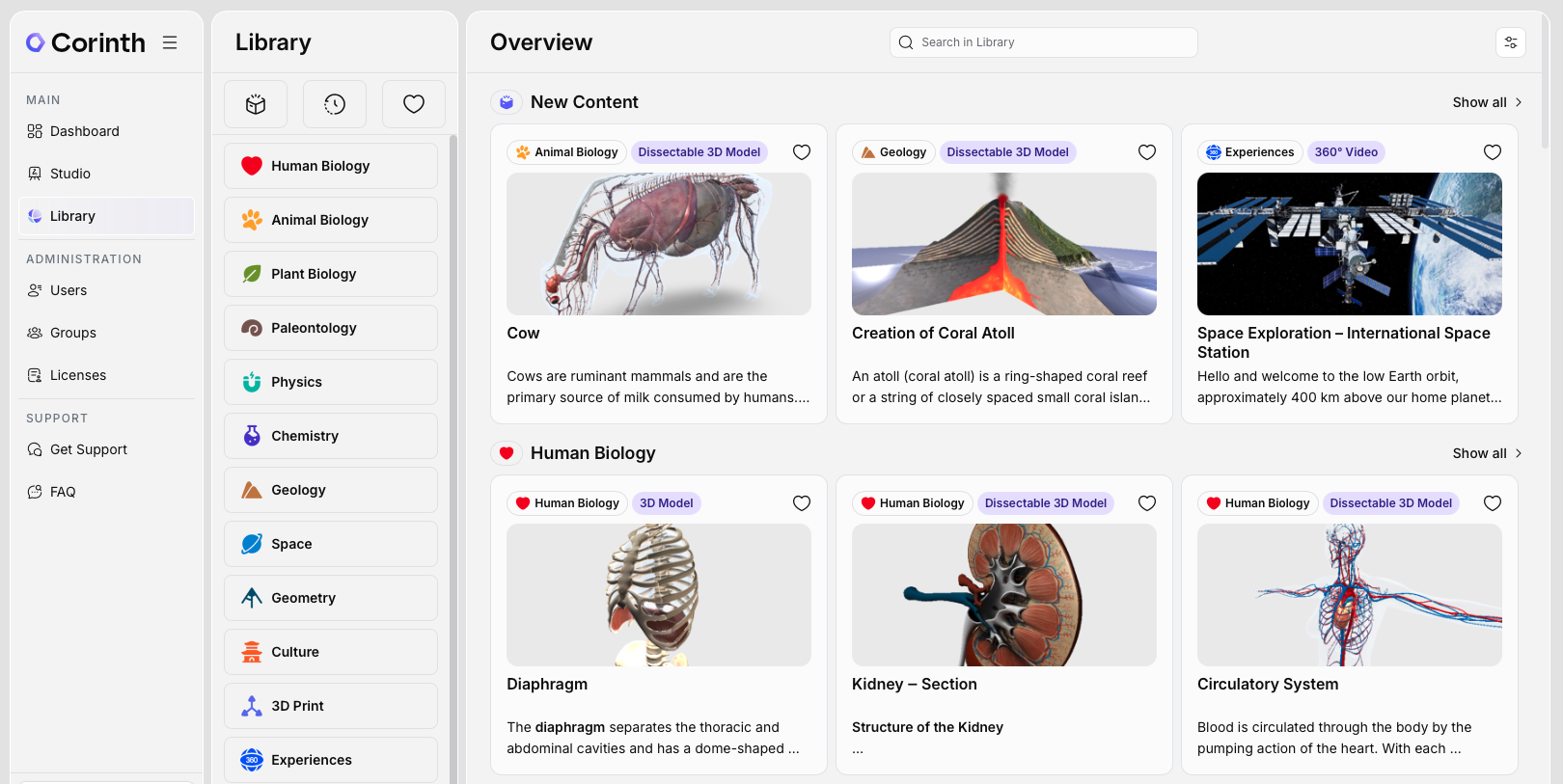
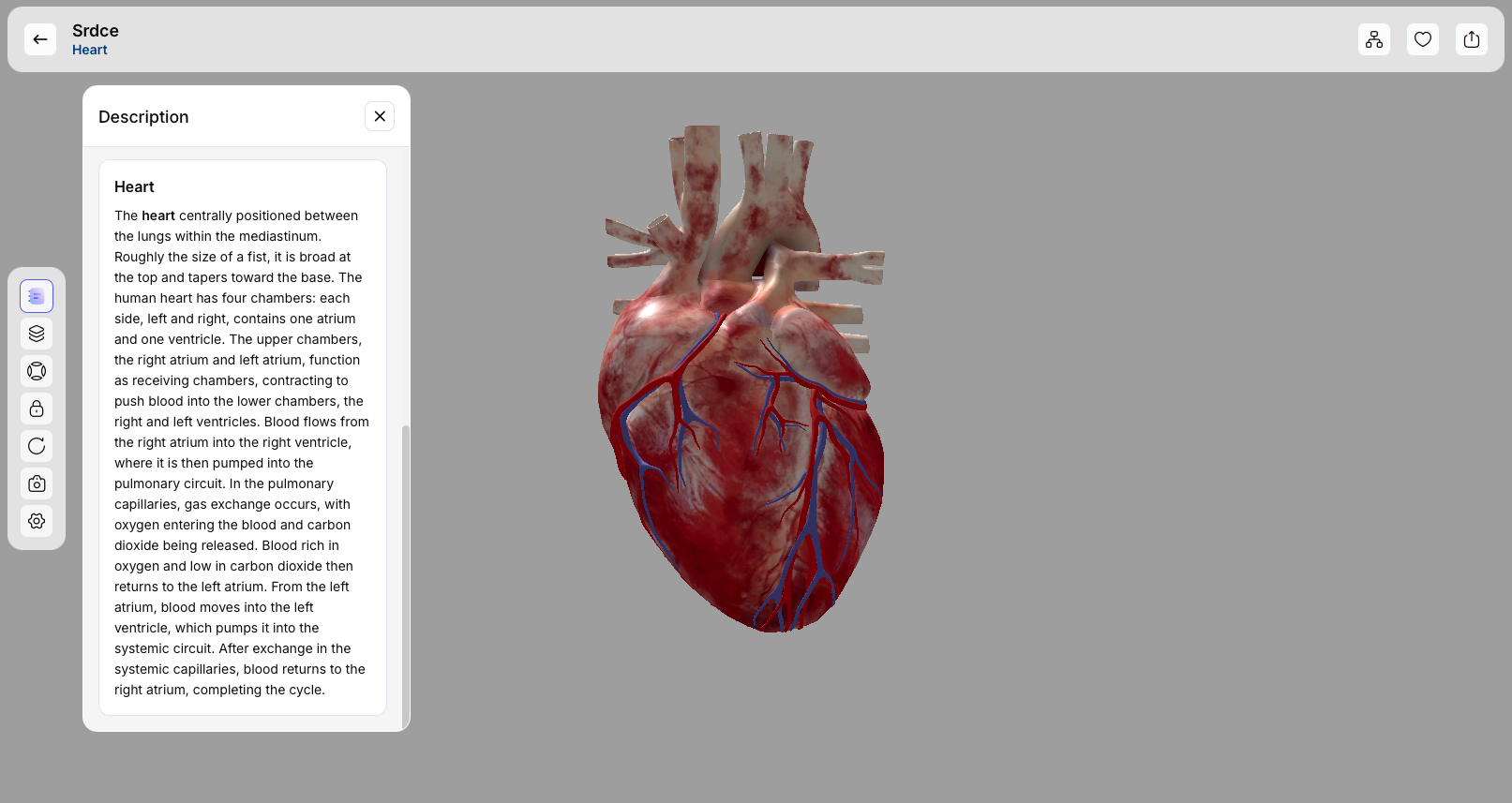
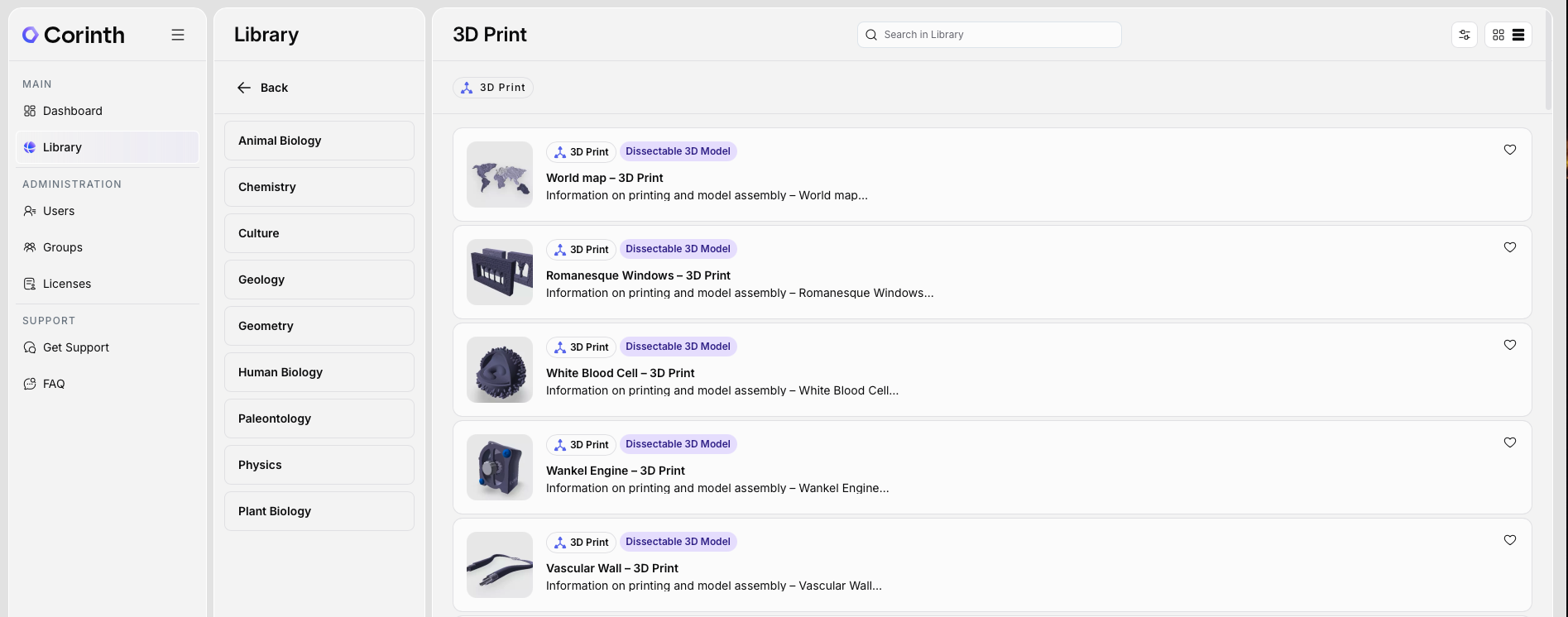
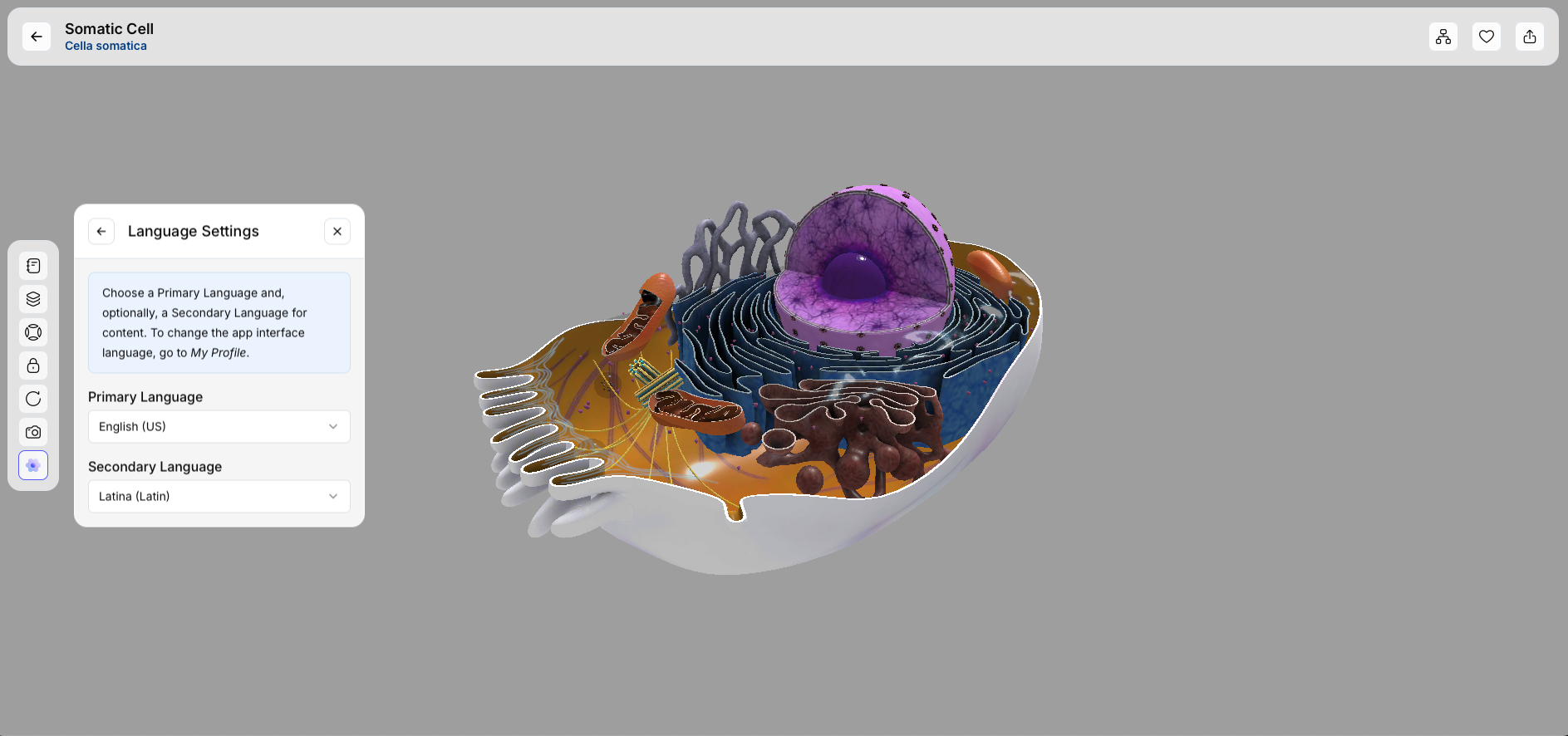
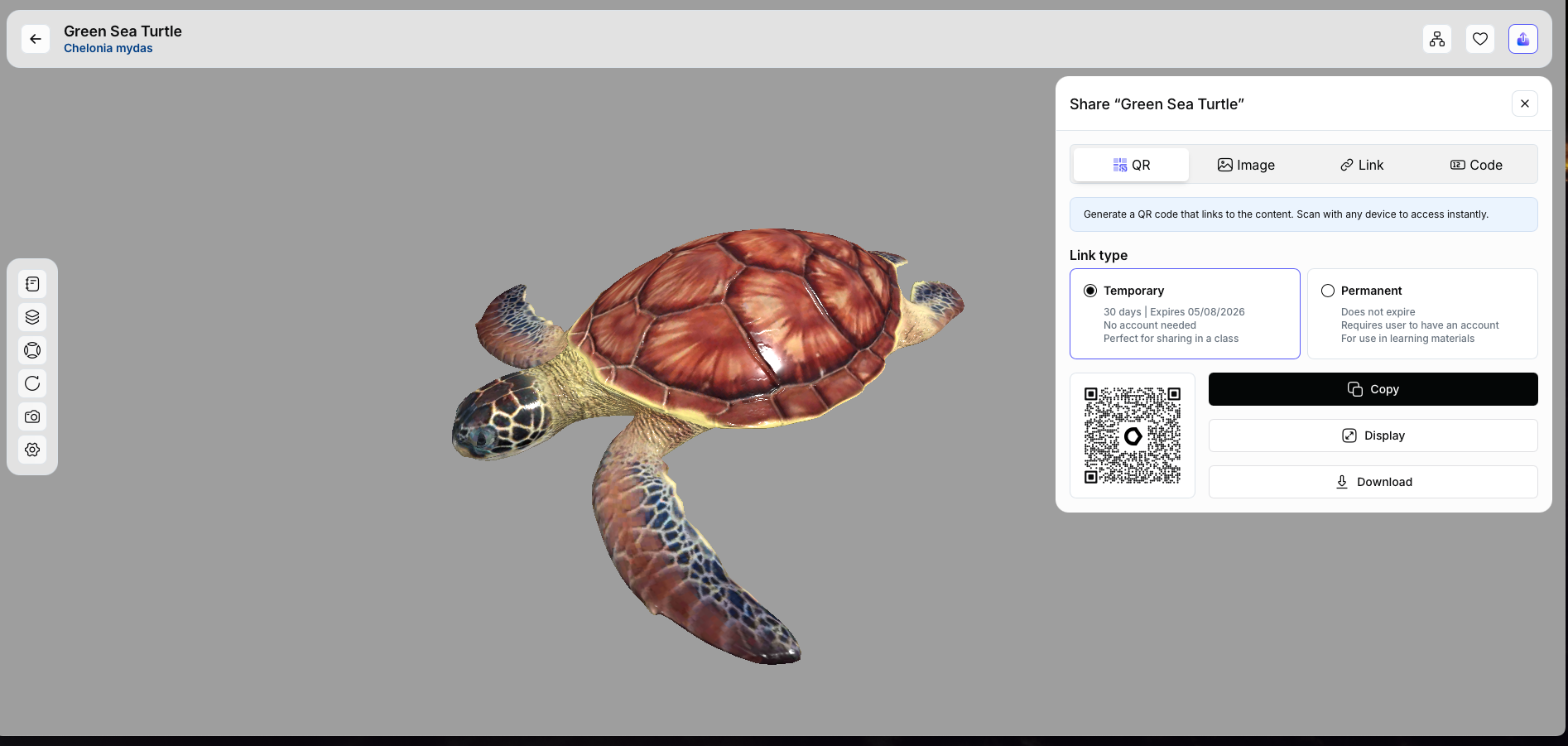
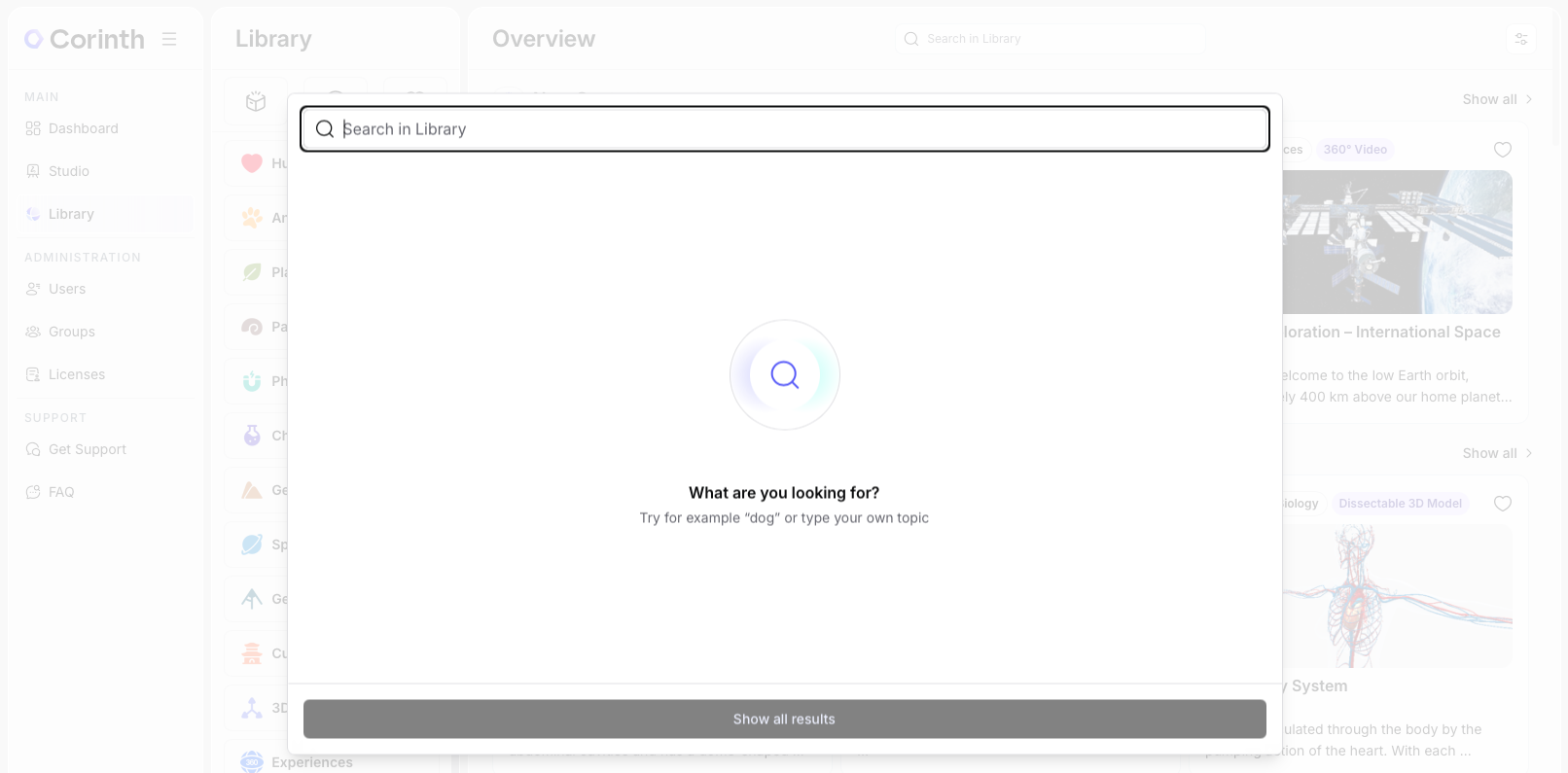
On this page you can find a curated selection of screenshots and rendered visuals from the Corinth application. The materials showcase the 3D model library, lesson creation tools, decomposable models and classroom user interface as they appear in the current version of the app.
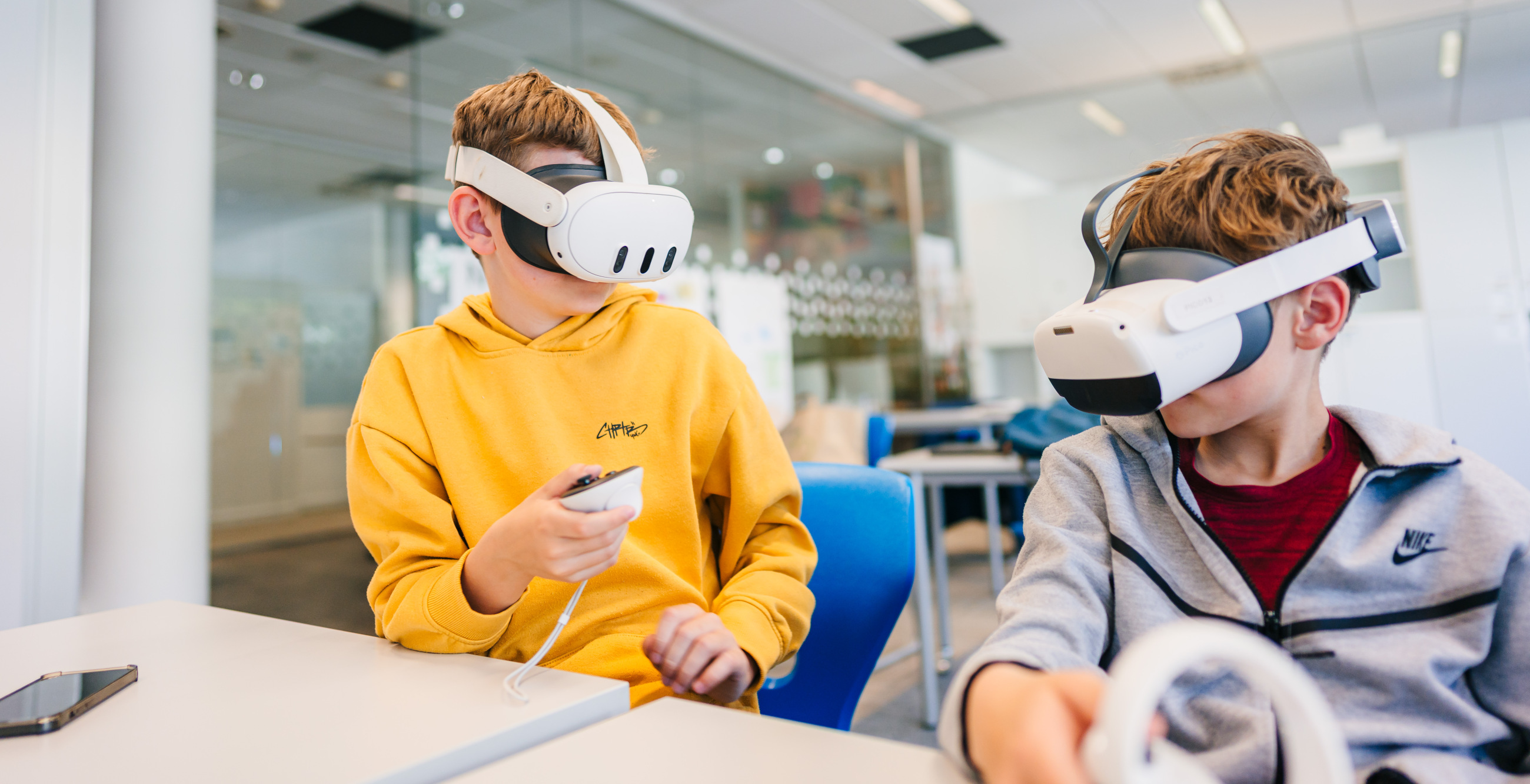
The visuals are intended for use in presentations, reports, grant proposals, tenders and media coverage related to Corinth and Lifeliqe. They illustrate how teachers and students interact with 3D content in real classroom scenarios.
How to work with the assets
- Click "Download" to open a larger preview of the image.
- Use right click to save the full-resolution file.
- When possible, keep the original aspect ratio and avoid adding extra effects or overlays.
Attribution
When using these visuals externally, please include a short credit line, for example: “Source: Corinth 3D by Lifeliqe”.
Interface of the App
Assets to Download